
Download RBoost PRO – System Optimization, PC Performance, RAM Cleaning, Windows Tool, Privacy Protection
Overview
RBoost PRO is a system optimization tool designed for Windows PCs, aiming to enhance device performance through intuitive, user-centric features. The application addresses common challenges such as sluggish system responsiveness, excessive memory usage, and browser slowdowns—issues frequently encountered by both casual users and professionals relying on their computers for daily tasks. By streamlining system resources and improving overall efficiency, RBoost PRO enables users to maintain peak performance without requiring technical expertise.
The app is tailored for individuals seeking a lightweight, privacy-focused solution to manage their PC’s health. Whether used for work, gaming, or general browsing, RBoost PRO supports a broad range of real-world use cases, including clearing temporary files, optimizing RAM during multitasking, and protecting online privacy through browser cleanup. Its development using Python reflects a focus on efficiency and minimal resource consumption, aligning with modern demands for clean, fast software.
Developed by the RBoost Team, the application emphasizes transparency and user trust, with no tracking, ads, or bloatware included. This commitment to privacy strengthens its position within the system utilities category, offering a secure alternative to more invasive optimization tools. The developer did not provide additional technical details about the team’s background or prior projects, but the app’s clean interface and straightforward functionality suggest a deliberate focus on usability and reliability.
Key Features & Functionality
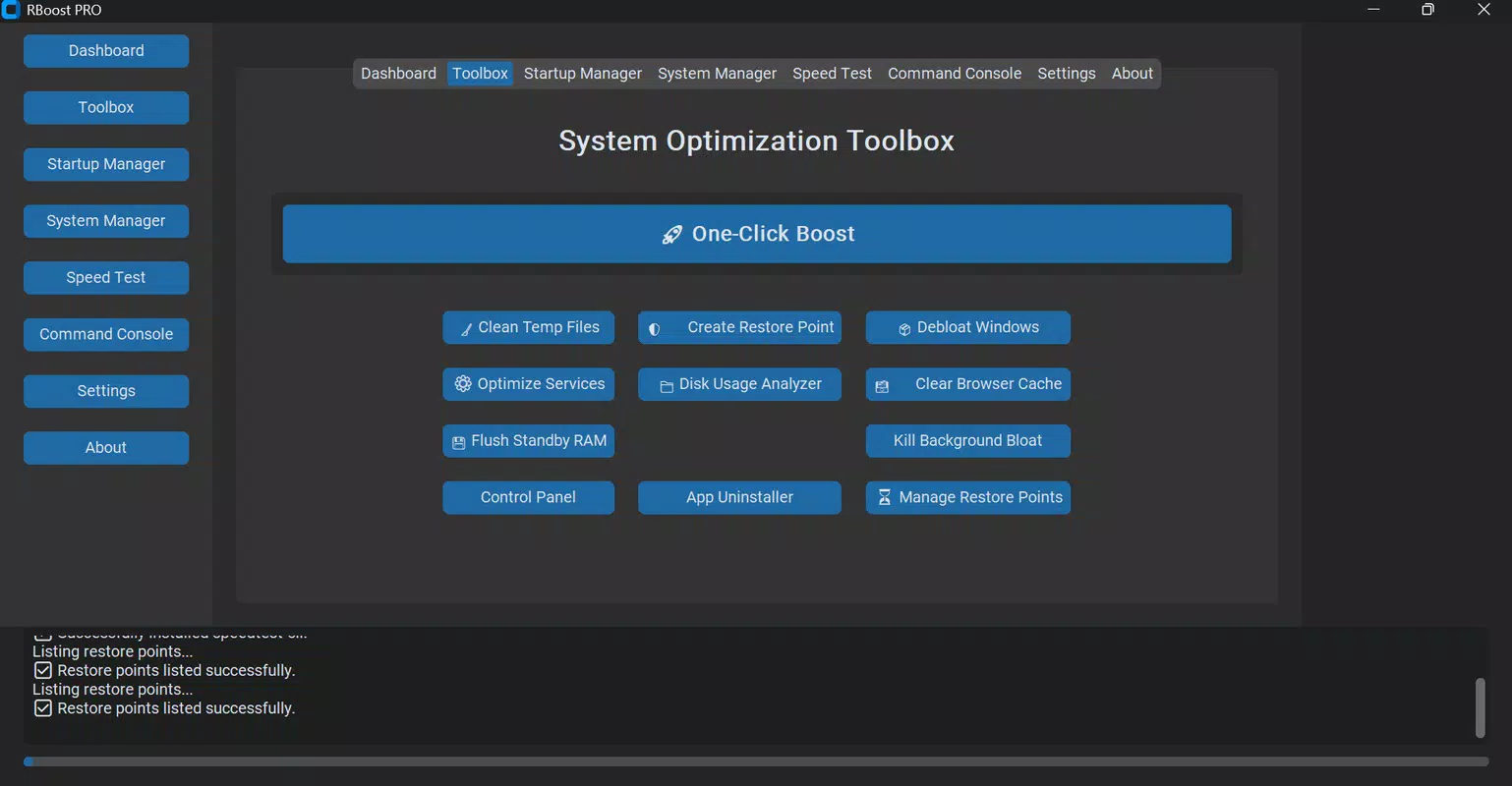
- One-Click Boost: This feature enables users to initiate a full system optimization with a single tap, automatically disabling unnecessary background services and freeing up system resources. Ideal for users who need a quick performance boost before launching resource-heavy applications or games.
- Smart RAM Cleaner: The tool intelligently identifies idle or redundant memory usage and clears it to improve multitasking capabilities. This is particularly beneficial for users running multiple applications simultaneously, ensuring smoother transitions between tasks.
- Browser Cleaner: Designed to enhance both privacy and browsing speed, this function removes browsing history, cache, and cookies. Regular use helps prevent data accumulation and reduces browser lag, especially on older or low-memory systems.
- Real-Time System Monitor: Users can monitor CPU, RAM, disk, and network usage in real time through a clear, visual interface. This allows for proactive identification of performance bottlenecks and better resource management.
- Privacy Focused Design: RBoost PRO operates without tracking, advertisements, or bundled software. This ensures a clean user experience and protects sensitive data from unauthorized access or exposure.
Each feature is engineered to deliver tangible benefits in everyday computing scenarios. For instance, the One-Click Boost can reduce startup wait times, while the Real-Time System Monitor helps users identify when a process is consuming excessive resources. The combination of automation and transparency makes RBoost PRO a practical utility for users who value both performance and control.
Interface, UX & Performance
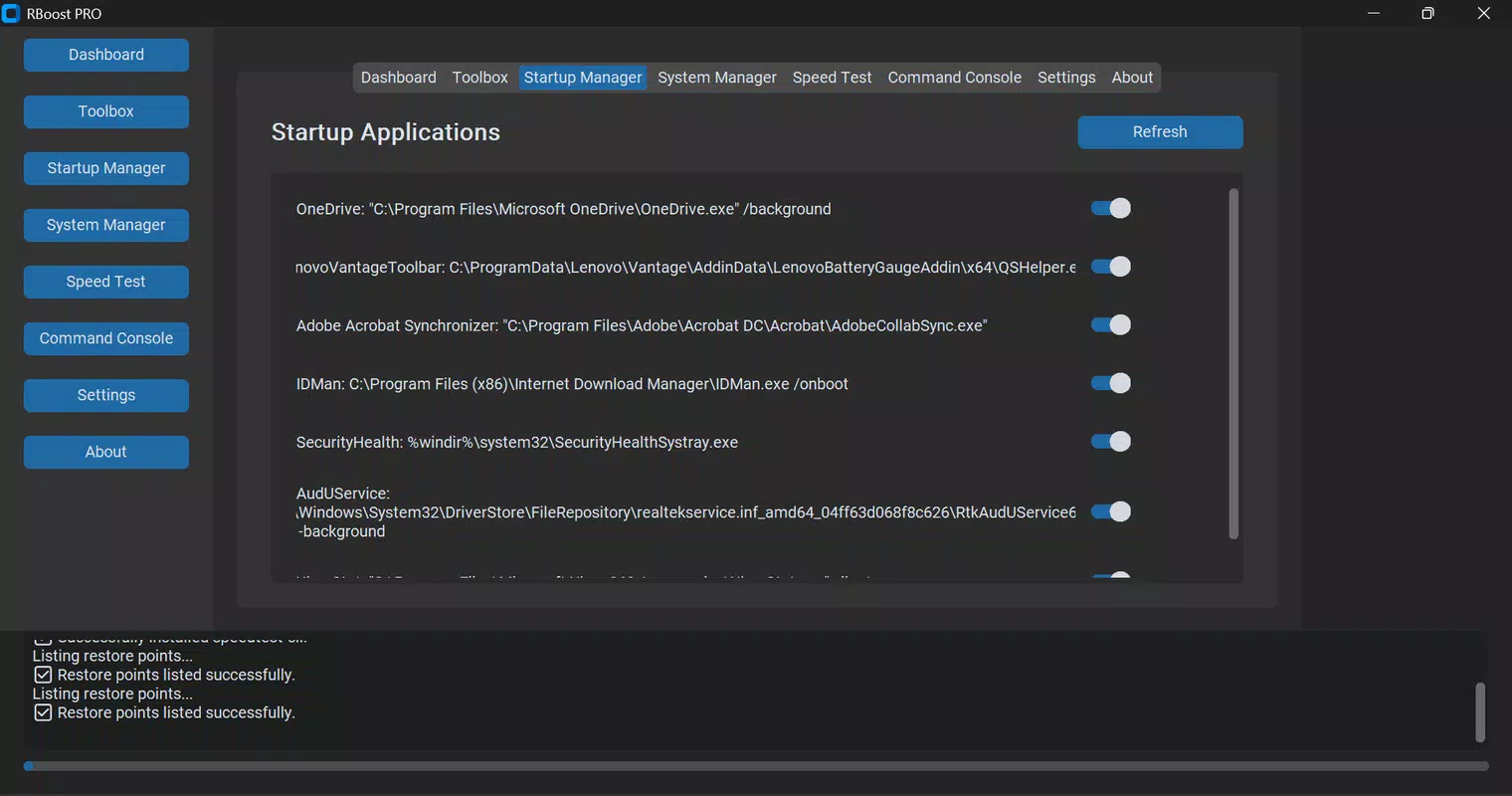
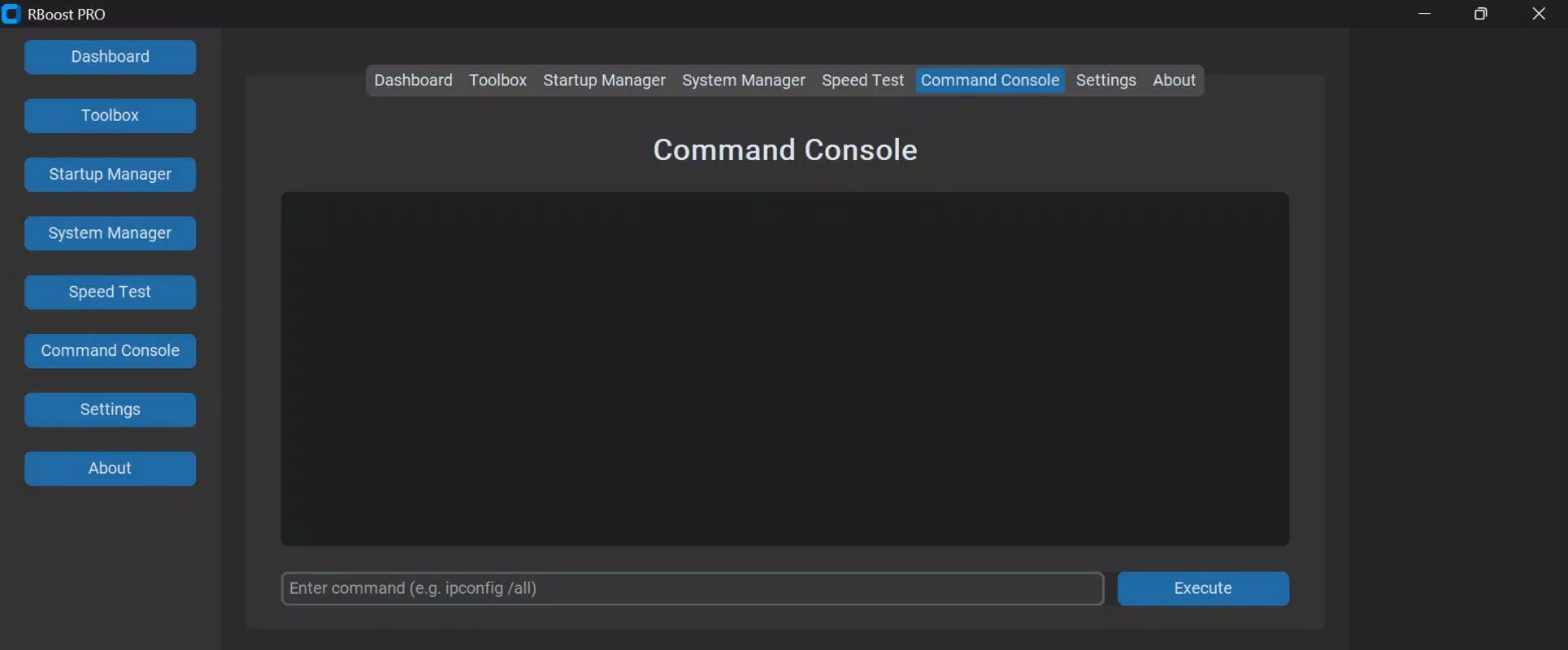
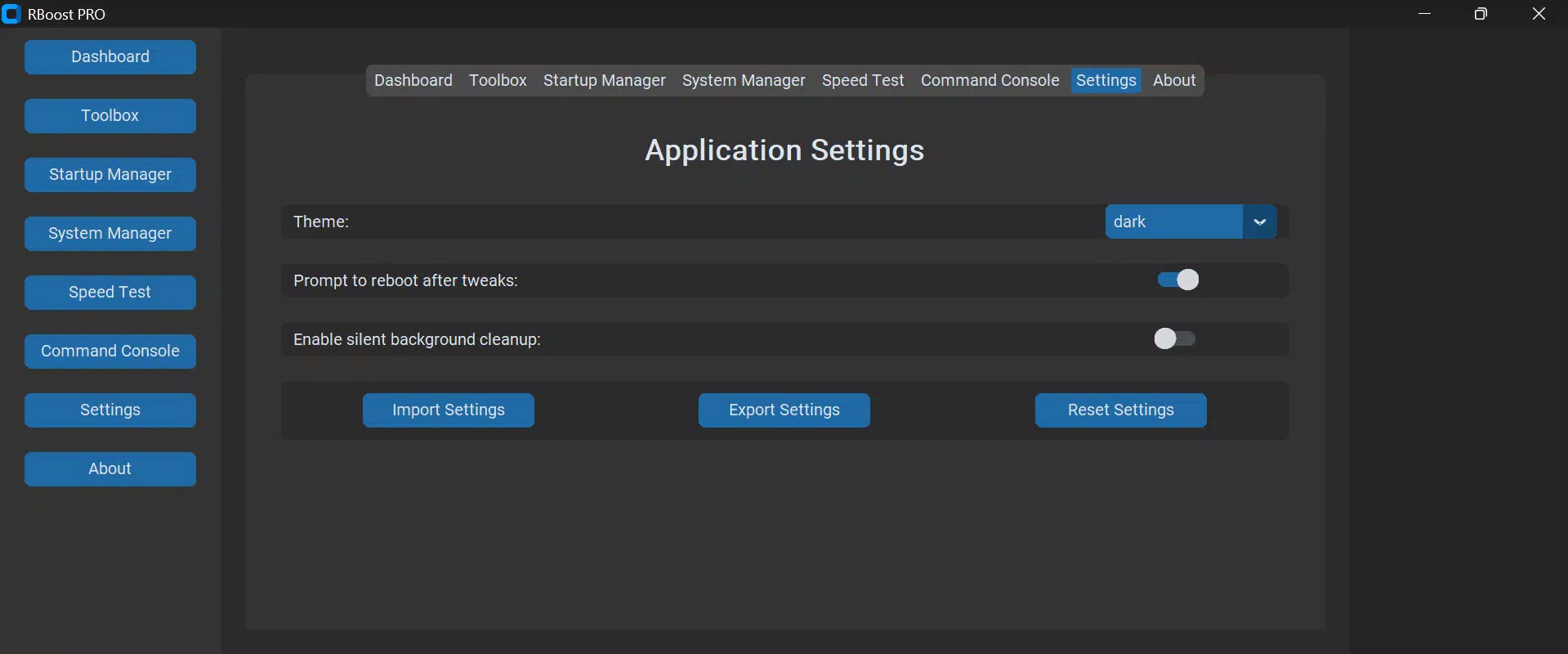
The user interface of RBoost PRO is described as modern and user-friendly, with a clean layout that prioritizes accessibility. Navigation is straightforward, allowing users to access core features without navigating complex menus. The visual design emphasizes clarity, using intuitive icons and real-time feedback to guide user actions.
Although the developer did not list formal performance metrics, the application is reported to be lightweight, with a file size of 15.2 MB. This suggests efficient resource usage, which is beneficial for older or low-spec systems. The app is designed for seamless installation and immediate usability, minimizing setup friction.
Performance across different device categories is not formally disclosed. However, the use of Python and the app’s compact size imply optimized execution, likely resulting in minimal impact on system resources during operation. Responsiveness and stability are expected to be consistent, especially given the app’s focus on core system tasks without unnecessary background processes.
Platform Compatibility & Technical Requirements
RBoost PRO is available exclusively for the Windows platform. The current version is 1.0.0, with a file size of 15.2 MB. The app is offered as a free download, with no in-app purchases or subscription models. Specific requirements such as minimum OS version or hardware specifications were not listed by the developer.
Compatibility information was not fully disclosed. The developer did not specify minimum OS requirements or processor architecture. As such, users should verify system compatibility before installation. The application is designed for desktop environments, and no mobile or tablet versions are currently available.
Pros and Cons
Pros
- Lightweight design with minimal system impact
- One-click optimization for quick performance boosts
- Privacy-focused with no tracking or ads
- Real-time monitoring for proactive system management
- Free to download and use without hidden costs
Cons
- Specific system requirements were not provided
- Compatibility with older Windows versions is unconfirmed
- No official update history or changelog available
- Limited customization options for advanced users
- Only available on Windows, no cross-platform support
FAQ
Is RBoost PRO safe to use?
Yes, the app is designed with user privacy in mind and does not include tracking, ads, or bloatware. It operates without intrusive permissions.
Can I use RBoost PRO on older Windows systems?
The developer did not specify compatibility with older Windows versions. Users should check their system specifications before installation.
Does RBoost PRO require an internet connection?
While the app functions offline, some features may require internet access for updates or data processing. However, no persistent online tracking occurs.
Is RBoost PRO available for mobile devices?
Currently, RBoost PRO is only available for Windows desktop systems. There are no mobile versions for Android or iOS.
How often should I use the One-Click Boost feature?
Users can run the feature as needed—such as before launching a game or after prolonged use. There is no risk of overuse, but frequent optimization is not necessary for daily tasks.
Final Thoughts
RBoost PRO stands out as a reliable, privacy-conscious tool for Windows users seeking to maintain optimal PC performance. Its combination of automation, real-time monitoring, and a clean interface makes it accessible to users of all skill levels. The absence of ads, tracking, or hidden costs adds significant value, especially in a market saturated with invasive software.
While some technical details remain undisclosed, the app’s lightweight nature and straightforward functionality suggest a well-balanced design. It is particularly beneficial for individuals who prioritize system health, privacy, and ease of use without the complexity of advanced tools.
For anyone looking to enhance their Windows PC’s speed and efficiency with a secure, free solution, RBoost PRO delivers a compelling proposition. Download RBoost PRO now.


